
A remote worker described the “workspace” filter as a weak signal because dining chairs, plastic seats and tiny bedroom tables can all qualify. This checklist asks for visible proof instead of trusting the label. Original source · Reddit · r/digitalnomad
“Dedicated workspace” can mean an office—or a stool beside the microwave.
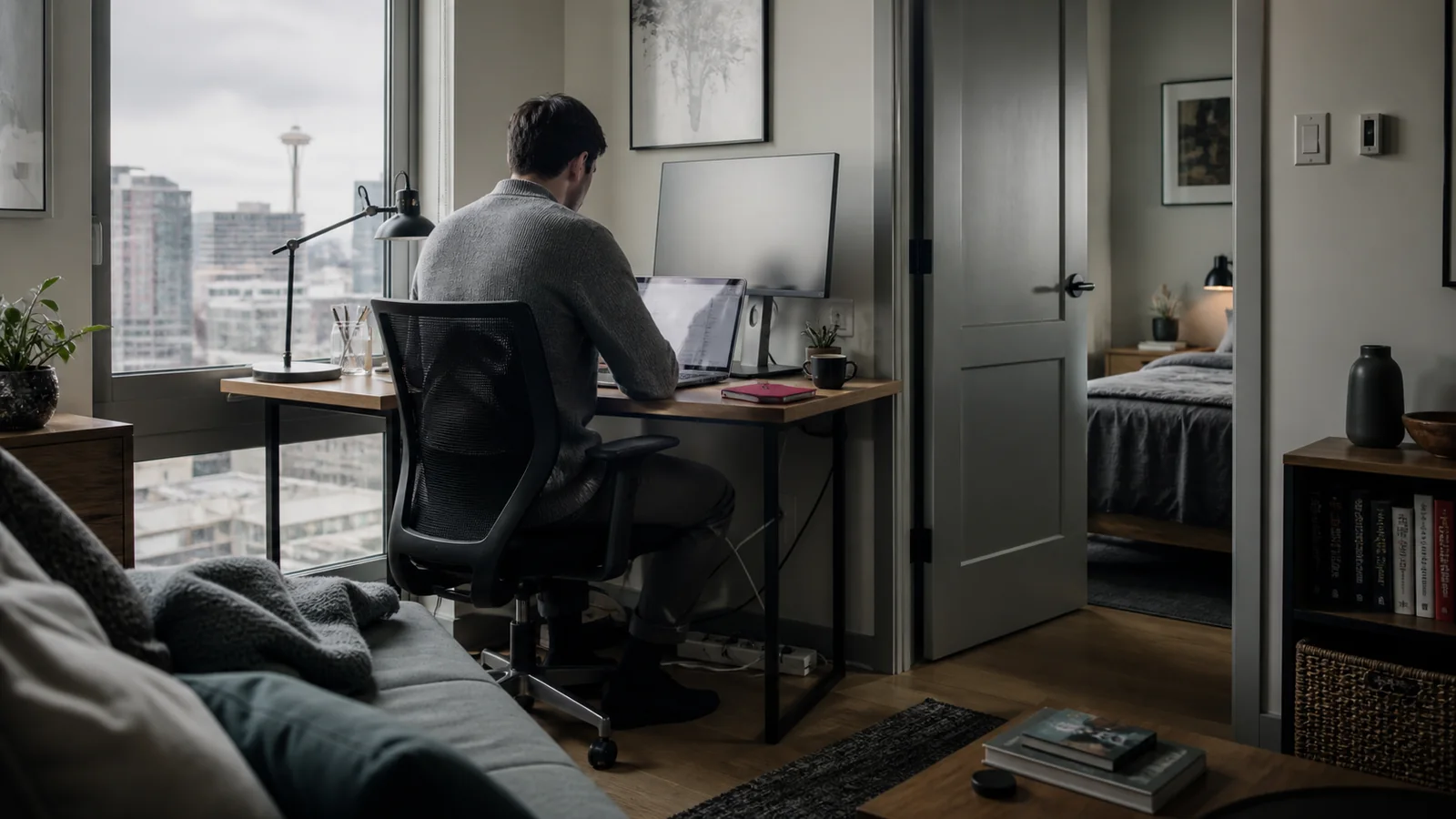
A 30-Day Checklist for Wi-Fi, Desk, Quiet and Backup
“Dedicated workspace” might mean an office with a monitor. It might also mean a stool beside the microwave. Before a long assignment, ask for evidence—not a label.
For a two-night trip, almost any flat surface can become a desk.
For thirty working days, the details become physical. The chair starts to matter. Afternoon glare starts to matter. The video call that freezes every morning at 9:15 starts to matter. If a partner or child is also in the home, a workspace without a door may not be a workspace at all.
The phrase “fast Wi-Fi” is not proof. Neither is a listing photo cropped tightly around a laptop.
A work-ready home is one where you can explain exactly where the call happens, how the connection was tested and what you will do if it fails.
The short answer
Before booking a 30+ day work stay, confirm four things: the actual work surface and chair, the connection at that exact location, the sound and privacy conditions during your work hours, and a realistic backup plan.
Do this before paying. Once the assignment begins, moving is far more disruptive than asking precise questions up front.
1. Ask to see the entire workspace
A useful photo should show the desk, chair, nearby outlet, window and surrounding room in one frame. Better still, ask for a short live video walkthrough.
Check:
- Is the desk deep enough for a laptop and your usual equipment?
- Is there a supportive chair—not a backless stool?
- Are power outlets reachable without running a cable across a walkway?
- Can the door close during confidential calls?
- Does direct sun hit the screen during your core work hours?
- If a monitor is pictured, is it actually included?
If two adults will work remotely, verify two separate work zones. A dining table shared by two calendars is not a long-term plan.
2. Test the internet where the work happens
Ask for a recent speed test taken from the desk—not beside the router. You need both download and upload results, the provider’s name and whether the connection is shared with another unit.
Numbers alone do not reveal everything. Ask whether the host has had recent outages, where the router is located and whether an Ethernet connection is possible. If your work involves large files, constant video or remote desktop access, say so. “Good enough for streaming” may not be good enough for your day.
3. Ask about ordinary noise, not just quiet hours
Quiet hours usually protect sleep. They do not tell you what happens during a 2 p.m. client presentation.
Ask about upstairs footsteps, shared walls, nearby construction, street traffic, children, pets, yard crews and mechanical equipment. A basement unit may be peaceful—or it may transmit every movement from the floor above. A downtown apartment may have excellent windows—or a siren route below.
No home is silent. The useful answer is specific and honest.
4. Build the backup before you need it
A hotspot is helpful only if your phone receives a stable signal inside the home. Test coverage or ask the host to show it during the video tour. Locate the nearest coworking option or office fallback and confirm how long it takes to get there during working hours.
For critical assignments, ask who you contact when the router fails and whether the provider can troubleshoot remotely. “Message the platform” is not the same as having a response path.
Sources and verification
Where the practical guidance comes from.
Official and established sources support the factual claims. Community discussions helped identify the questions people repeatedly ask; they were not treated as proof on their own.